
Build Practical Computer Skills for the Modern Workplace
Help employees gain the confidence to use computers, manage digital documents, work with basic software applications and complete everyday workplace computer tasks more independently. Triple E Training helps employees strengthen these essential skills through nationally recognised Adult Education and Training programmes delivered at your workplace or online.
- ABET/AET
- ADULT MATRIC
- REALLL
- LEARNERSHIPS
- EEP
- ABET/AET
- EEP
- ADULT MATRIC
- REALLL
- LEARNERSHIPS
As Featured in



Basic computer skills are essential in today's workplace.
Whether employees are working with administration, operations, communication or digital systems, confidence in using computers improves productivity, supports accuracy and creates greater independence in day-to-day tasks.
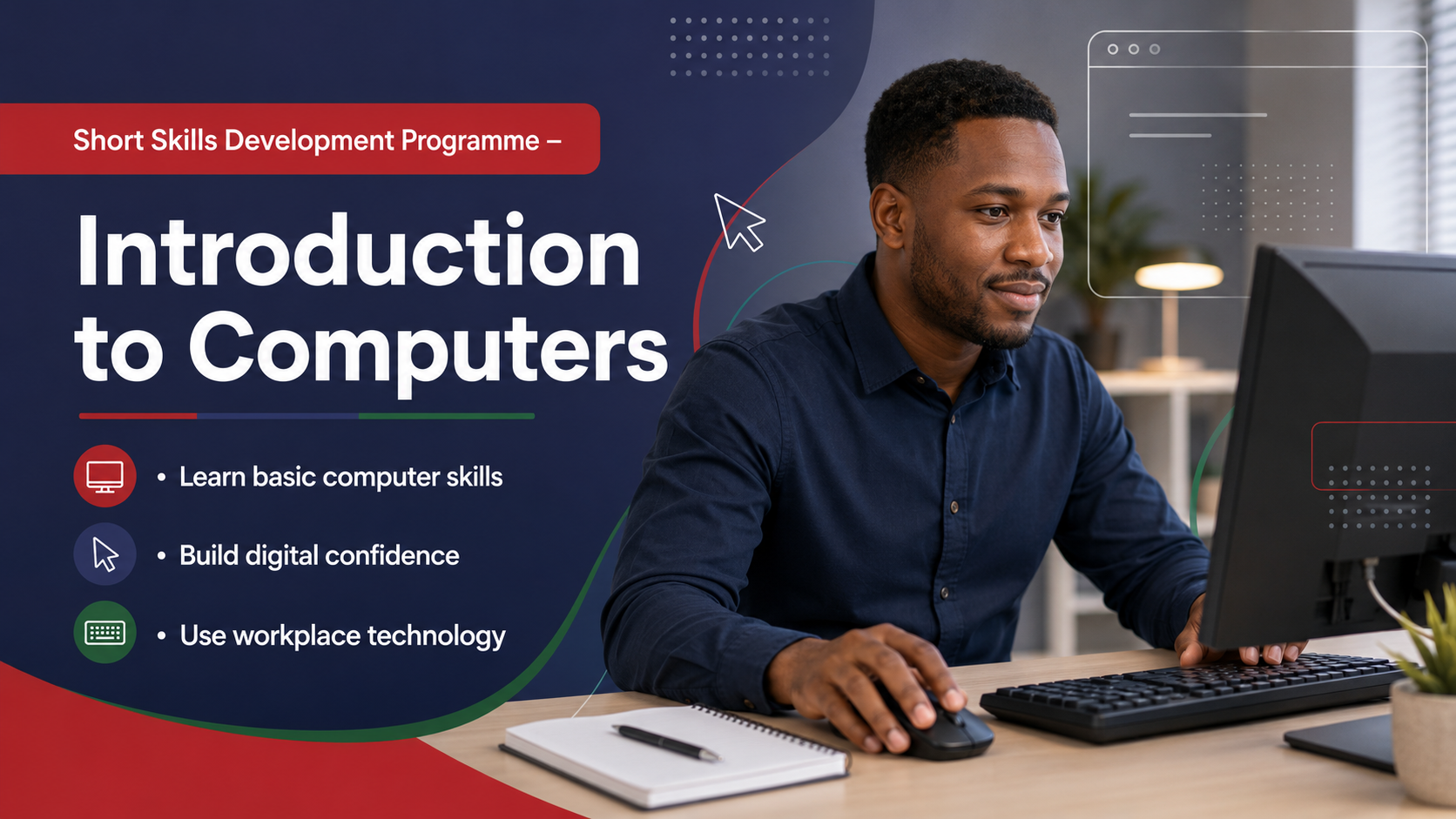
Triple E Training's Introduction to Computers Skills Programme equips employees with practical computer knowledge and essential digital skills needed to operate confidently in a workplace environment.
This programme helps learners understand computer hardware, use operating systems effectively, work with basic software applications and complete everyday workplace computer tasks with confidence.
The result is improved digital confidence, better productivity, greater accuracy and employees who can complete basic computer-based tasks more independently.
12,000+
Sites
1,800,000+
Learners Trained
5,400,000+
Levels & Subjects trained
6,000+
Clients Nationally
Who Is This Programme For?
It is particularly valuable for employees who require stronger foundational skills before progressing into Learnerships or other workplace training programmes.
Implemented by
- HR Managers focused on workforce development.
- Training and Development Managers.
- Mining, Manufacturing and Industrial Employers.
- Organisations implementing employee development programmes.
- Employers looking to create learning pathways for employees.
Why Choose Us?
Common Workplace Challenges We Help Solve
Employees lack confidence using computers
Basic computer tasks take too long
Difficulty working with files, folders and documents
Employees struggle with basic Microsoft Word and Excel tasks
Limited understanding of computer hardware and software
Errors when saving, printing or managing workplace documents
Employees rely on others for simple computer-based tasks
Poor digital confidence affecting productivity and independence
Benefits for Your Organisation
Improved Digital Confidence
Employees feel more comfortable using computers in the workplace.
Better Productivity
Basic computer skills help employees complete tasks faster and with fewer delays.
Improved Accuracy
Employees work more confidently with digital documents, spreadsheets and systems.
Greater Workplace Independence
Learners become more capable of handling computer-based tasks on their own.
Stronger Workplace Readiness
Computer skills support employee growth, confidence and workplace performance.
Reduced Support Pressure
Employees require less assistance with basic computer and document tasks.
Awards & honors
The awards won
by our works.

Accreditation

Department of Higher Education
Develop Your Workforce with Triple E Training
From foundational skills and workplace readiness to learnerships, adult education and employee enhancement programmes, Triple E Training helps organisations build more capable, confident and productive teams.
Our team can help you identify the right training pathway for your employees and implement a programme that supports your workforce development goals.
Triple E Training helps employees strengthen these essential skills through nationally recognised Adult Education and Training programmes delivered at your workplace or online.
Ready to Develop Your Workforce to their Full Potential?
- Your information is secure & safe
What Employees Will Learn
Inside Computers and Hardware
Employees learn how to use a computer confidently and correctly.
Learners will learn how to:
- Start up and shut down a computer system
- Navigate the operating system
- Open and manage files and folders
- Understand basic computer settings and utilities
Introduction to the Operating System
Employees develop practical skills for creating and editing workplace documents.
Learners will learn how to:
- Create basic documents
- Enter and edit text
- Format workplace documents clearly
- Save and organise files correctly
Microsoft Word and Word Processing
Employees learn how to work with spreadsheets and workplace information.
Learners will learn how to:
- Open and create spreadsheets
- Enter and organise information
- Understand basic spreadsheet functions
- Use spreadsheets for simple workplace tasks
Microsoft Excel
Employees learn how to work with spreadsheets and workplace information.
Learners will learn how to:
- Open and create spreadsheets
- Enter and organise information
- Understand basic spreadsheet functions
- Use spreadsheets for simple workplace tasks
Printing and Document Management
Employees learn how to manage and complete practical document tasks.
Learners will learn how to:
- Prepare documents for printing
- Print correctly and efficiently
- Save and retrieve files
- Manage workplace documents digitally
Understanding Software and Computer Applications
Employees build confidence using everyday workplace tools and applications.
Learners will learn how to:
- Understand the purpose of software applications
- Identify common workplace software tools
- Use applications confidently for daily work
- Improve computer confidence and digital independence
How the Programme Works
- Skills Needs Assessment
- Workplace-Relevant Learning Sessions
- Practical Computer Skills Training
- Hands-On Computer Activities
- Assessment of Knowledge and Application
- Ongoing Support and Development Feedback
This programme is practical, easy to follow and designed to help employees apply computer skills confidently in everyday workplace situations.
Why Organisations Choose Triple E Training
- Established in 1991
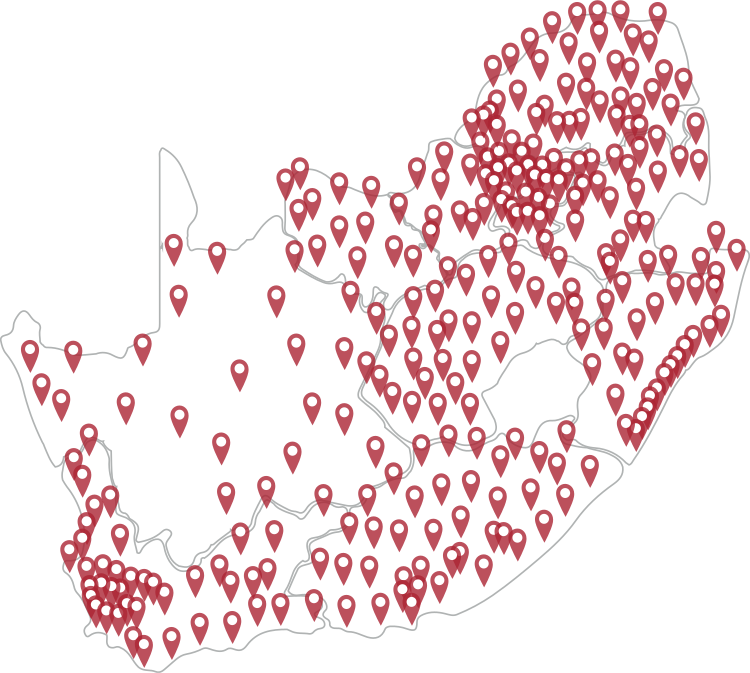
- National Training Footprint
- On-Site Training Delivery
- Practical Workplace-Focused Learning
- Experienced Facilitators
- Quality-Assured Training Solutions
- Flexible Scheduling Options
We are your premier nationwide training and compliance solution!
With over 6000 satisfied clients - our extensive experience in training delivery, community engagement, and project management. Triple E Training helps organisations achieve real, measurable impact. Join the ranks of successful businesses across the country who trust Triple E Training to unlock their full potential.
Our Clients
Check Our Reference Letters












Frequently Asked Questions
A practical computer skills programme designed to help employees use computers, software applications, files, folders and basic workplace digital tools with confidence.
Employees who are new to computers or need stronger basic computer skills for workplace tasks.
Yes. Training is typically delivered onsite and can be scheduled around operational requirements.
No. The programme is designed for beginners and employees who need more confidence with basic computer use.
Build Practical Computer Skills and Improve Workplace Confidence
Give your employees the basic computer skills needed to work more confidently, complete digital tasks and improve workplace productivity.
Give your employees the basic computer skills needed to work more confidently, complete digital tasks and improve workplace productivity.